
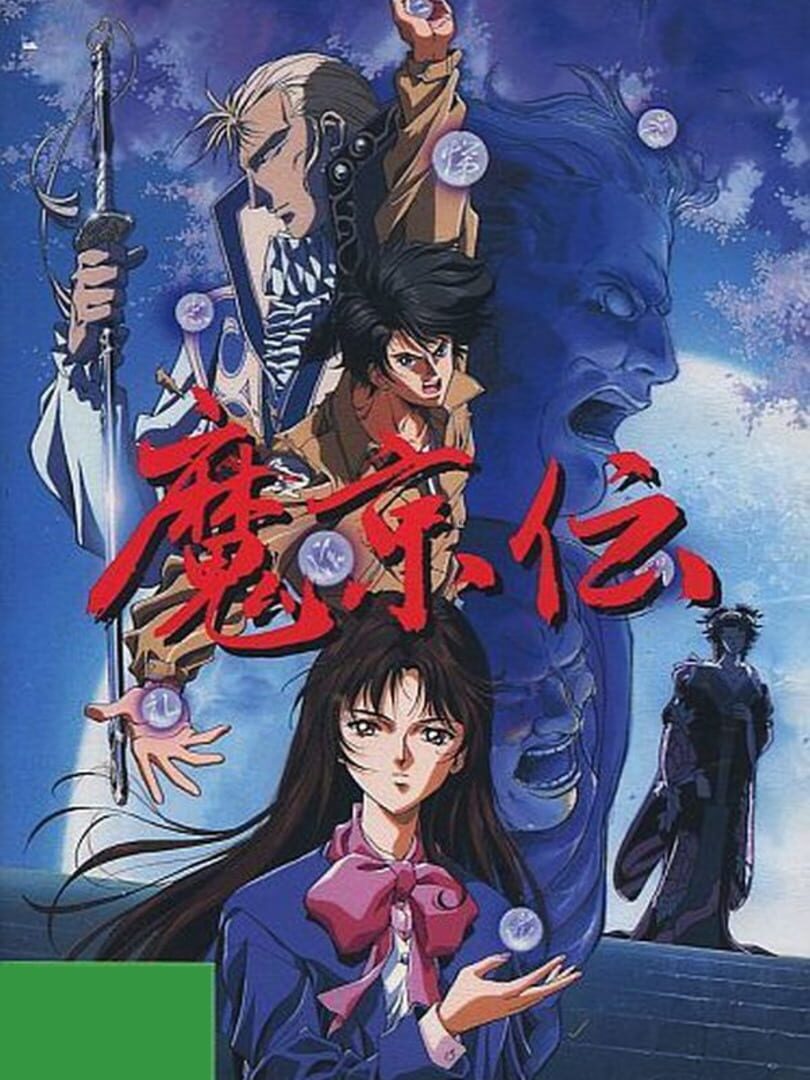
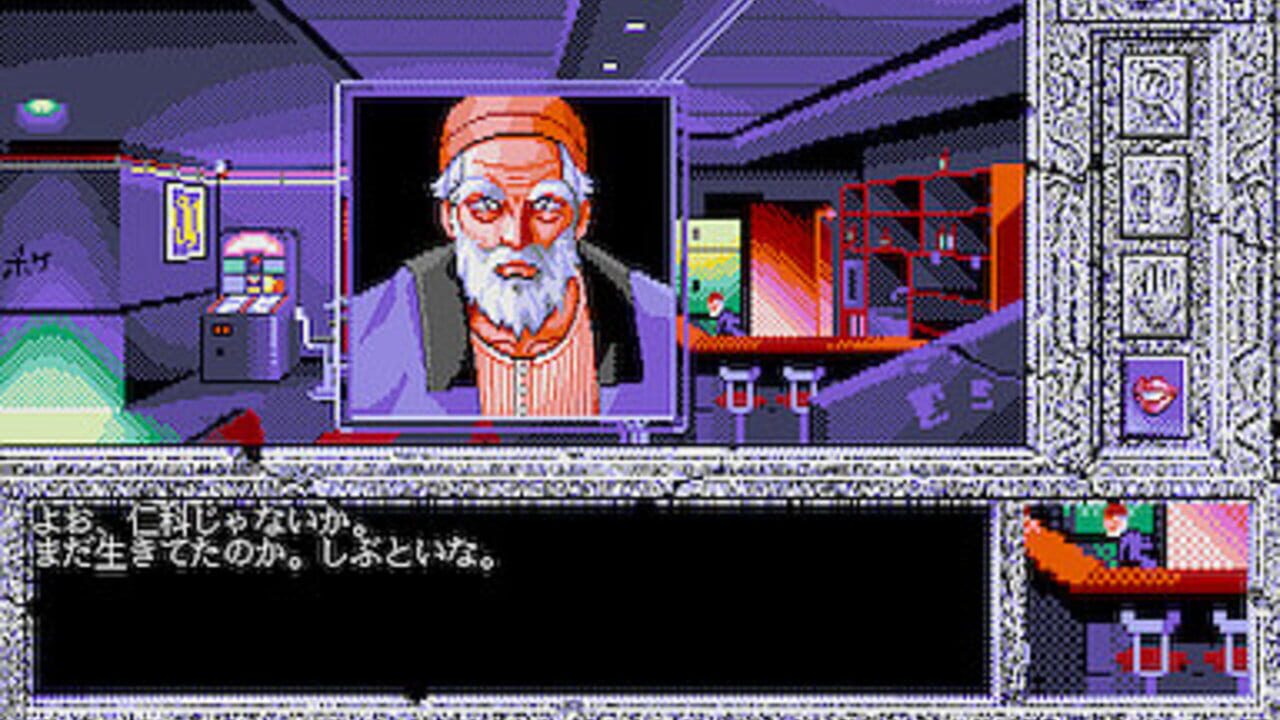
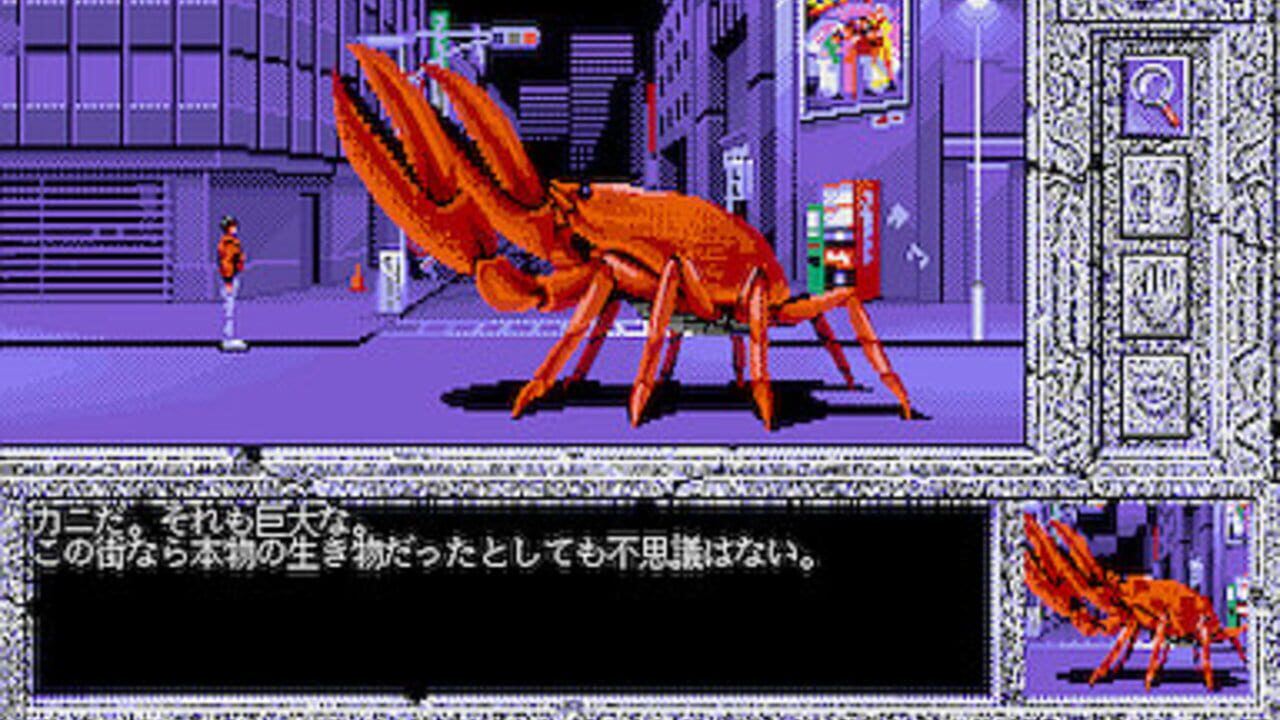
Makyouden (魔京伝) is a Horror/Point-and-Click/RPG video game published by Nihon Create and developed by Nihon Create released on August 27th, 1992 for the PC-98.
This game is a demonic horror themed adventure game with interactive point and click gameplay as opposed to visual novel style gameplay. It also is pretty solid as an RPG, but all the encounters are story triggered and not random encounters. The main character is also not the only character who can battle and other supporting characters will join your party as the game progresses. We can thank archive.org for help in keeping this translation from being completely lost.
Translation Credits:
Released by: Retronomicon
Language: English
Status: Fully Playable/Mostly Complete (the game intro isn’t translated, and some labels couldn’t be edited like dates)
Patch Version: v1.00
Date: 15 June 2019
Source and details: It was originally hosted via Patreon, but the author has deleted their account and it can only be accessed from this archive.org backup.
Here’s a translation of the intro text:
“There was a great earthquake in Kyoto, which caused demons to come out of the bowels of the planet and attack the city.”
“Nowadays, magic now coexists in the former Japanese capital in a world plagued by violence and chaos.”
This game is a point and click type kinda game so the controls are all mostly the mouse (if using NP21W press F12 to capture the mouse)
I highly recommend the emulator Neko Project 21/W for playing on Windows. It’s the most feature complete emulator for the NEC PC-9801 and is in active development receiving frequent updates. Use this guide for help on how to obtain and configure the emulator.
To play the game in NP21W:
Start the game with only the .hdi inserted into IDE #0
Wait until some red Japanese characters appear on the screen.
Insert the boot disk .hdm into FDD2.
When different text appears left click with the mouse to start the game. (don’t forget to capture the mouse with F12 first)
Is 40 screenshots overkill? Probably, but I wanted to showcase what this game is all about as much as possible. (plus it looks nice)

Leave a Comment