
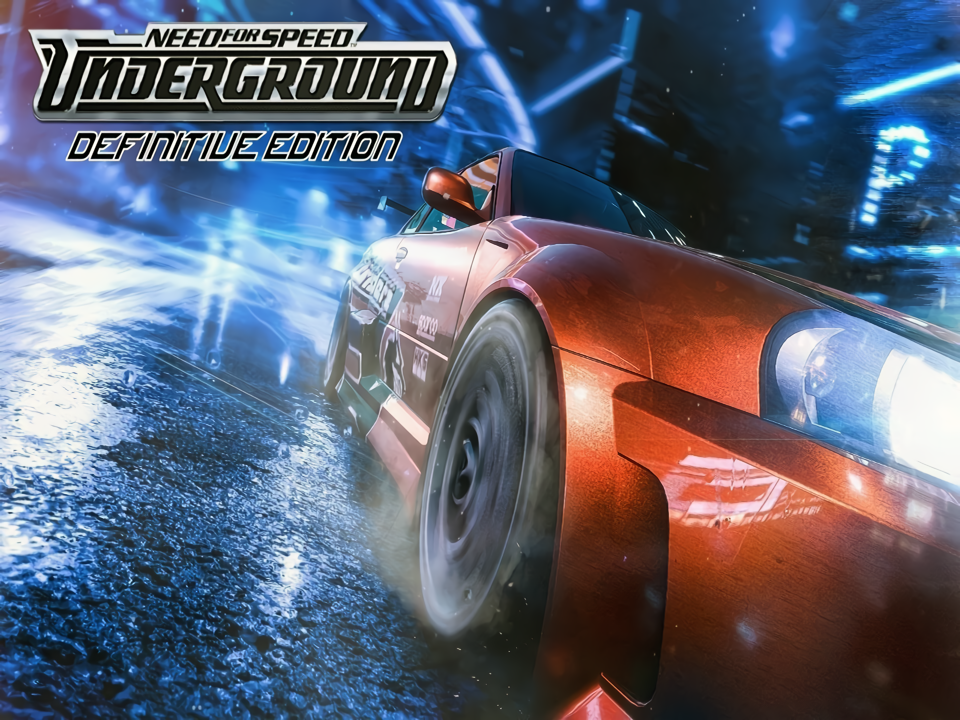
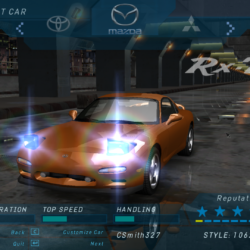
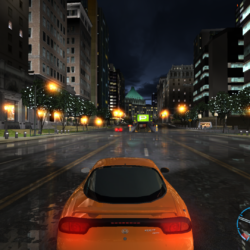
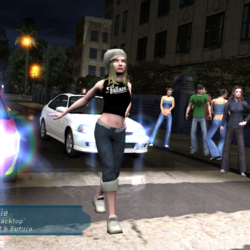
Need for Speed: Underground is a Racing video game developed by EA Black Box and published by Electronic Arts released on November 17th, 2003 for Microsoft Windows.
This is a completely modded version featuring several highly recommended mods and fixes from the community. The most noticeable one from this post being the Definitive Edition high resolution texture replacement mod. The mod keeps the vanilla look of the game but increases the quality of the visuals for a more hires look. This includes several QOL fixes for running on Windows 10/11.
Featured Mods:
Need for Speed Definitive Edition by Stre1itzia – World and road texture replacements to make the game have a more high res look without changing the overall feel too much
HD Decals by Plajer – All decals replaced by high quality HD recreations based on the originals (decals not vinyl)
NFSU-HD FONTS by Raze – Higher quality HD font replacement
NFS HD Reflections by Aero_ – Higher quality autores scalable HD reflections
NFS HD Content Support by Aero_ – Improves support for high res content (needed for the other mods)
[NFSU] Extended Customization by ARCHIE – Adds a little more tweaking to the customizations (check the page for more info) Note: this mod might cause bugs and may need to be removed after I’ve done further testing, but it seems fine atmNFSU XtendedInput by xan1242 (Lovro Pleše) – Plugin script to bring xinput support to NFSU games
Widescreen Fixes Pack by ThirteenAG – Fixes for running the game and displaying the FMVs for widescreen higher resolution displays
How to Run:
Extract the archive to somewhere that’s not a protected folder (like Program Files) like your Downloads folder or a folder like C:\Games\ instead. Since if you put it in a protected folder some of the mods may cause the game to be stuck on the loading screen.
Launch the game using Texmod.exe by setting the target application to Speed.exe and the Package as the .tpf file. It takes a few minutes for the game to load since it’s loading the textures (this is normal)
Resolution and FMV cropping options can be changed by editing the NFSUnderground.WidescreenFix.ini file in the scripts folder. (Do not change the window mode to something other than 0)
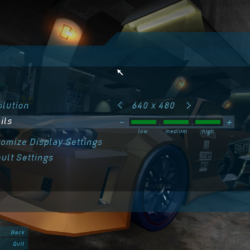
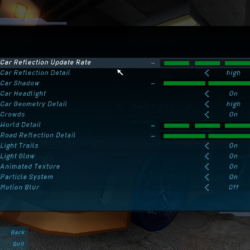
In the display options of the game make sure they match like the page in my screenshots so that the game will look how it should with these mods.
The textures can sometimes glitch out and have messed up transparency overlaying overtop of each other. Also, sometimes the frame pacing gets sluggish at random times. Both of these issues can be fixed by pressing Alt+Tab to get out of the game and then tabing back into it. This doesn’t work if the game is set to a different window mode other than fullscreen (which is the 0 in the WidescreenFix .ini file next to WindowedMode= line) Another issue is that brake calipers and engine accent paint doesn’t seem to work.
Note: I know it’s annoying and you’d rather not have to wait like how it would be to be on a long loading screen for the game to start, but if you just load the game through Speed.exe and not Textmod then you won’t have the correct modded look and you’d be better off playing the plain PC version unmodded. If you’d like to have a plainer looking version of this game, then you can find the last MagiPack version of it in this torrent. Use qBittorent for it, it’s the torrent client I always recommend to people.
Note for non-English speakers: Install this mod (direct link to MEGA download here) to Enable multilingual support for adding French, German, Italian, Spanish, Dutch, Swedish, Korean, Traditional Chinese, and Japanese. The installation is simple and just involves extracting the files into the game directory and editing a script file in Notepad.







Leave a Comment